Trace What Happened to a Real Message
A disclaimer rule that skips a message, an attachment that should have been stripped but was not, a sender who insists their email never arrived, complaints like these usually land on your desk hours after the message already left the server. Reproducing the conditions in a test tool only gets you a guess at what happened, not a record of it.
MSH Postfix Milter’s Events History panel keeps that record for you. Once Diagnostic Logging is turned on, every processed message shows up there along with the actions that were actually applied to it, so you are not stuck piecing the story together from Postfix logs alone.
Finding the one message that matters
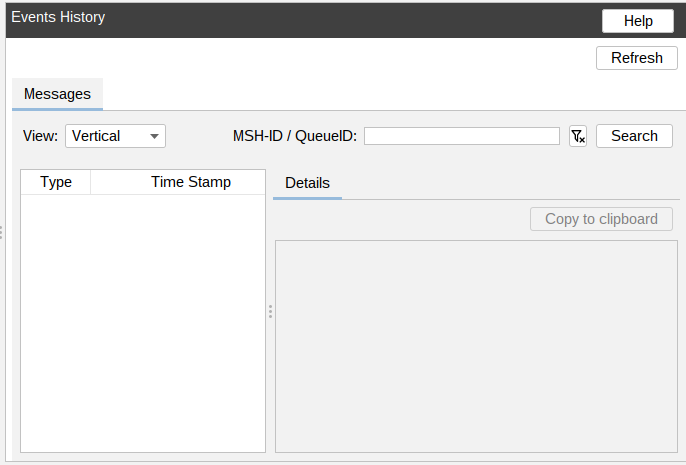
Search by MSH-ID or Postfix Queue ID to jump straight to a single message instead of scrolling a list. Each entry shows a timeline of processing steps with a timestamp, and selecting one opens a detail pane you can copy to clipboard when a problem needs to go into a support ticket.
Diagnostic Logging controls what gets kept. You can limit full traces to one sender’s address or to messages with a specific subject keyword, and set a retention period so old logs clear out automatically. Logs for messages that ended in an error are always stored regardless of sender, so a failure is never the one case that got filtered out.
To learn more visit MSH Postfix Milter website.