Traffic shaping milter
We have ended support and sales of MSH Traffic Policy. We recommend migrating to our new and actively maintained solution - a modern Postfix milter built on years of experience with this product.
Visit www.postfix-milter.com →MSH Traffic Policy for Postfix is a sophisticated email management system that allows setting server-side rules for automatic content control and flow administration.
This software is for you when you need to:
- take control over your mail flow
- block unwanted spam
- check email messages’ sensitive content
- limit number of recipients, attachments or message size
- modify message headers, message sender and recipients
- send new and forward messages
Install administrator panel on Microsoft Windows.
Run setup file MSH Traffic Policy Setup.exe.
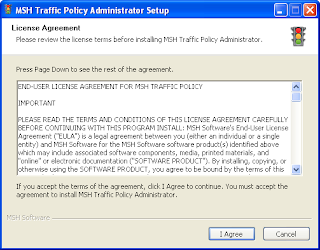
If you agree to the license click button I Agree.
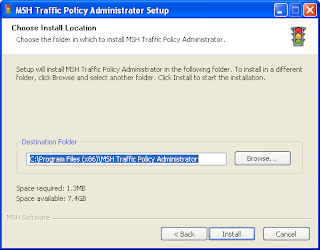
Select destination folder for installation and click Install button.
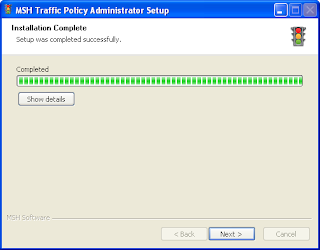
When installation is complete click Next button.
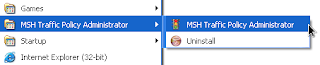
When you select Launch application option wizard will run MSH Traffic Policy Administrator after you click Finish button. Wizard will also create shortcuts for application in Start Menu | MSH Traffic Policy Administrator menu.
To learn more visit MSH Traffic Policy website.