The Rules Tester - See What a Rule Does Without Sending Mail
A rule on a mail server works on real mail as soon as it is saved. A condition that matches too much, or a case nobody thought of, reaches customers before anyone notices: a disclaimer on internal mail, a signature in the wrong place of a reply, an attachment removed from the one message that needed it. Testing by sending yourself mail is slow, and it only shows the cases you thought of.
A message that goes nowhere
The Rules Tester in the MSH Zimbra Rules administrator panel runs a message you write through all your rules, exactly as the mail server would, and sends nothing. You set the sender and recipients, picked from the users of your Zimbra directory, the subject, the body in HTML or plain text, extra headers and attachments, and even the date the message is considered sent, so a rule with a schedule can be checked for next Monday morning.
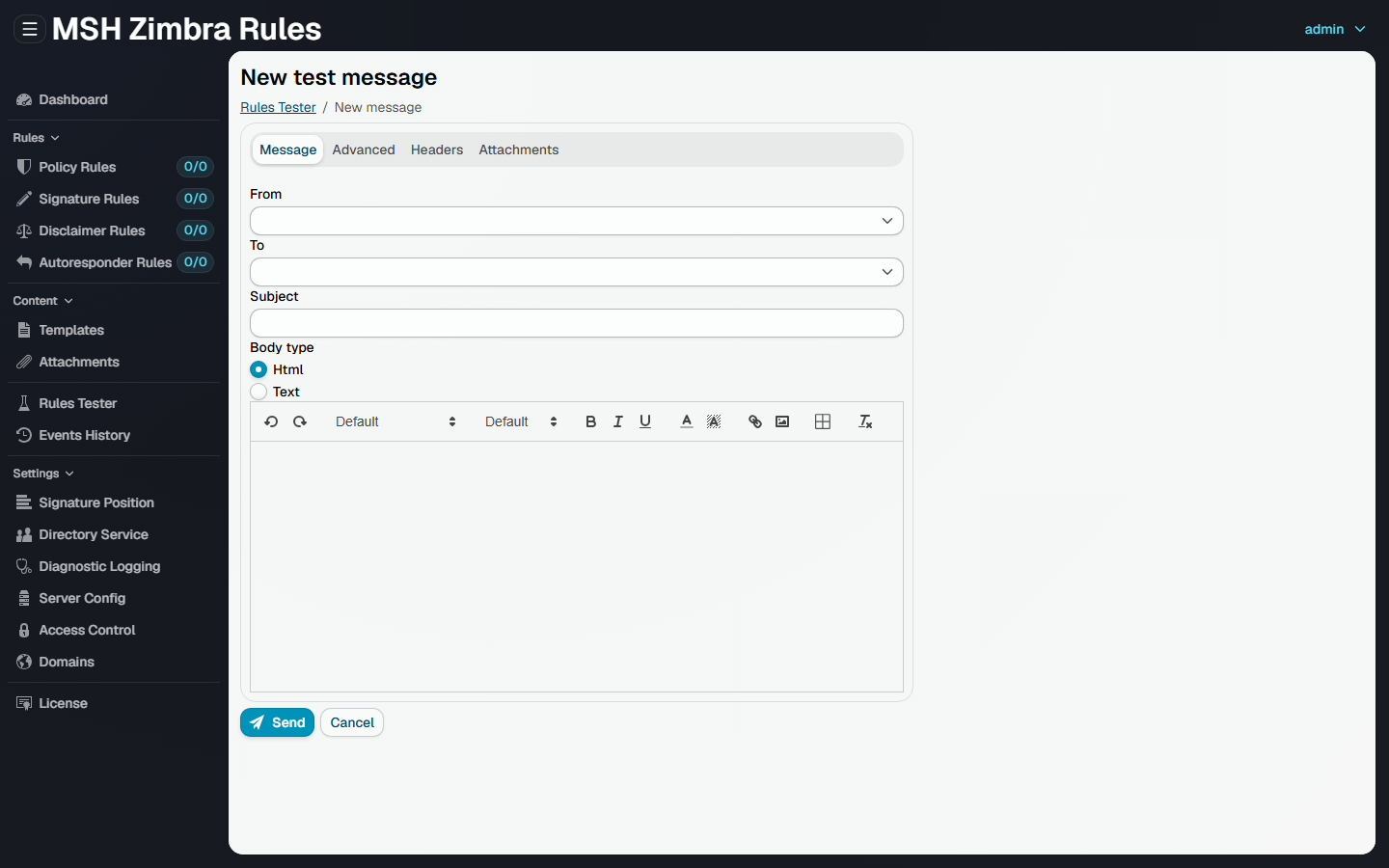
When you need a starting point, Random incoming, Random internal and Random outgoing fill in a message of that direction with addresses from the directory. Reply… composes a reply to a test message, so you see where the signature lands in a thread and whether the disclaimer is added a second time.
Every step explained
The result shows which rules matched, which conditions were checked and what each action would do, together with the processed message. When a rule does something unexpected, the trace says which condition let it through. When it does nothing, the trace says why.
The tester skips inactive rules, just like the server. To try a new rule without letting it touch real mail, give it a schedule that starts in the future and set the test message’s sent date inside that window. Once the tests pass, the schedule is the only thing to change.
Read more in the Rules Tester documentation and the Test a rule in the Rules Tester before it goes live article.
To learn more visit MSH Zimbra Rules website.