MSH Zimbra Rules 1.4.1 Released
MSH Zimbra Rules 1.4.1 is an update of 1.4 with two features users will see directly: automatic replies they set up themselves in the Zimbra web client, and colleagues’ photos in the messages they receive. It also changes how schedules, message direction and autoreplies decide. Update every server, and read the changes below first: some rules behave differently afterwards.
Automatic replies, set by users
Users make their own automatic replies under Preferences > Automatic Replies in the Classic web client and Settings > Automatic Replies in the Modern one. A reply can be on always, between two dates, on chosen days of the week or outside the user’s working hours, with one text for colleagues and another for everyone else. A reminder at login names the temporary replies that are still on, and the page warns when Zimbra’s own Out of Office is on as well.
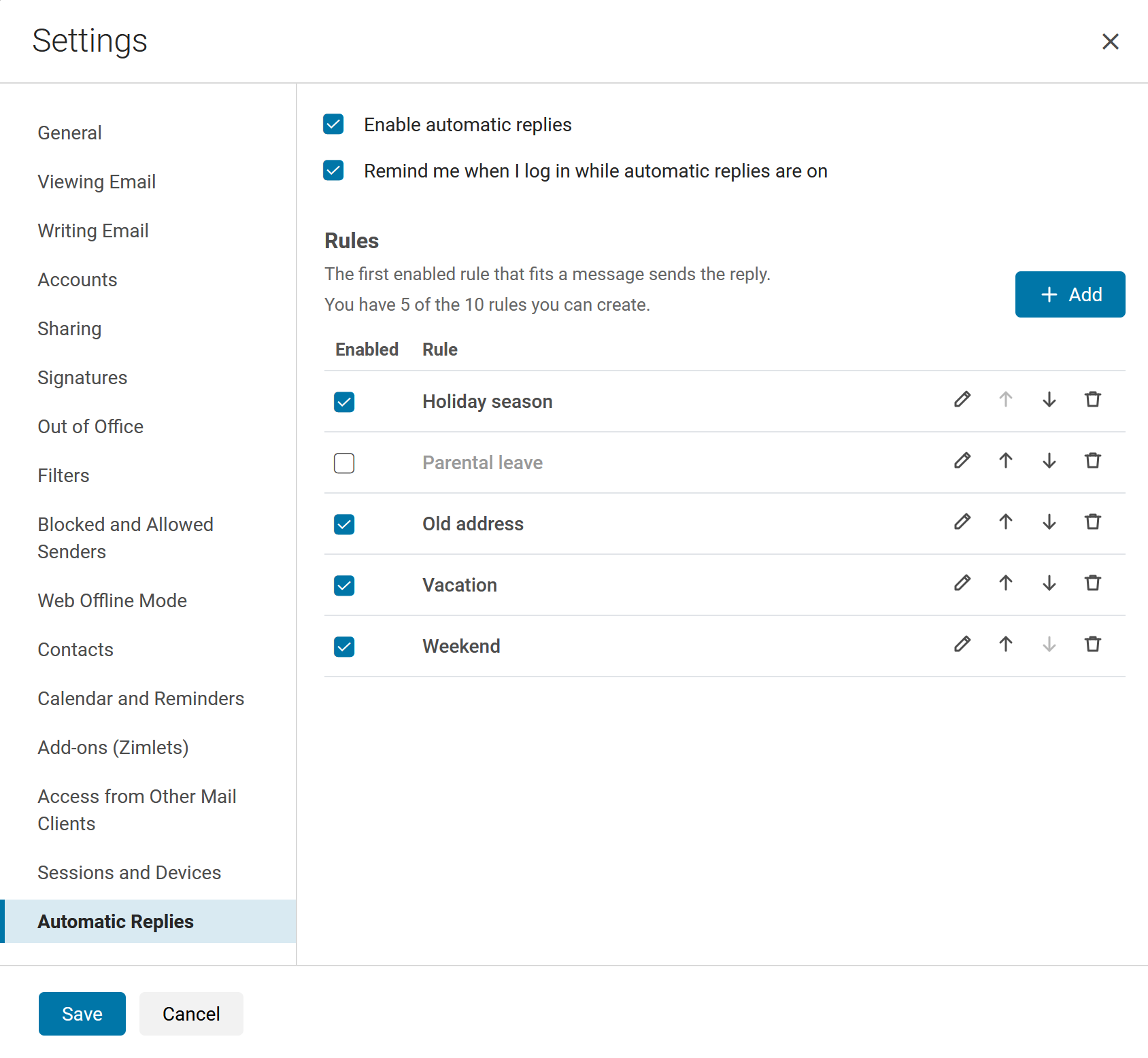
Administrators keep control. Rules > Automatic Replies lists every mailbox with automatic replies, and Settings > Automatic Replies sets how often a sender gets a reply, whether replies go outside the organization, and whether they use a company template. The replies run in the user’s time zone and write dates in the user’s language, both read from Zimbra.
Photos in the message header
A message from a colleague shows the photo of their GAL entry in its header, and in the Classic web
client users can set or change their own photo. In signatures, {photo} now travels as an inline
image, so Gmail and Outlook for Windows show it too.
Changes to check after the update
- Schedules: the last day of a date range now counts, the schedule follows the time the message reached the server rather than its Date header, and a window from 16:00 to 08:00 runs over midnight. A rule with a date range is active one day longer than before.
- Direction: a message from outside is Incoming when at least one recipient, Bcc included, is in your domains.
- Messages the product sends: autoreplies, forwards and new messages now get signatures and disclaimers, and the SMTP rules and limits apply to them.
- Autoreplies follow RFC 3834 and never answer automatic mail, mailing lists or bounces, whatever the rule’s conditions say.
Several fixes close gaps where a message with a badly written header passed without rules. Such a message is now processed, or refused with a temporary failure, instead of let through. The full list is in the release history.
Read more in the Automatic Replies and Update documentation.
To learn more visit MSH Zimbra Rules website.