Message History - Answer "What Happened to My Email?"
Two questions reach every helpdesk that runs mail rules: “Where is my mail?” and “Why does my message look like this?”. A customer’s message was refused, a subject suddenly starts with a tag, a reply went out without its signature. Without a record of what the rules did, the only way to answer is to guess, rebuild the message in a test, and hope it behaves the same.
Every message, every step
Message History lists the messages MSH Zimbra Rules processed, with their date, sender,
subject, Postfix queue ID, processing time and status. Search by sender, subject or queue ID, open
a message, and its processing trace shows which rules were checked, which conditions matched or
did not, and what each action changed. “Why does the subject start with [EXTERNAL]?” is answered
by one line naming the rule that added it.
The Postfix queue ID connects the trace with the entries for the same message in Zimbra’s own mail log.
All servers in one list
Since version 1.2, an installation with several Zimbra MTA servers shows the messages of all of them together, newest first. The helpdesk does not have to know which server handled a message, and a server that does not answer in time is named on the page, so a missing message is never silently missing.
You decide what is kept
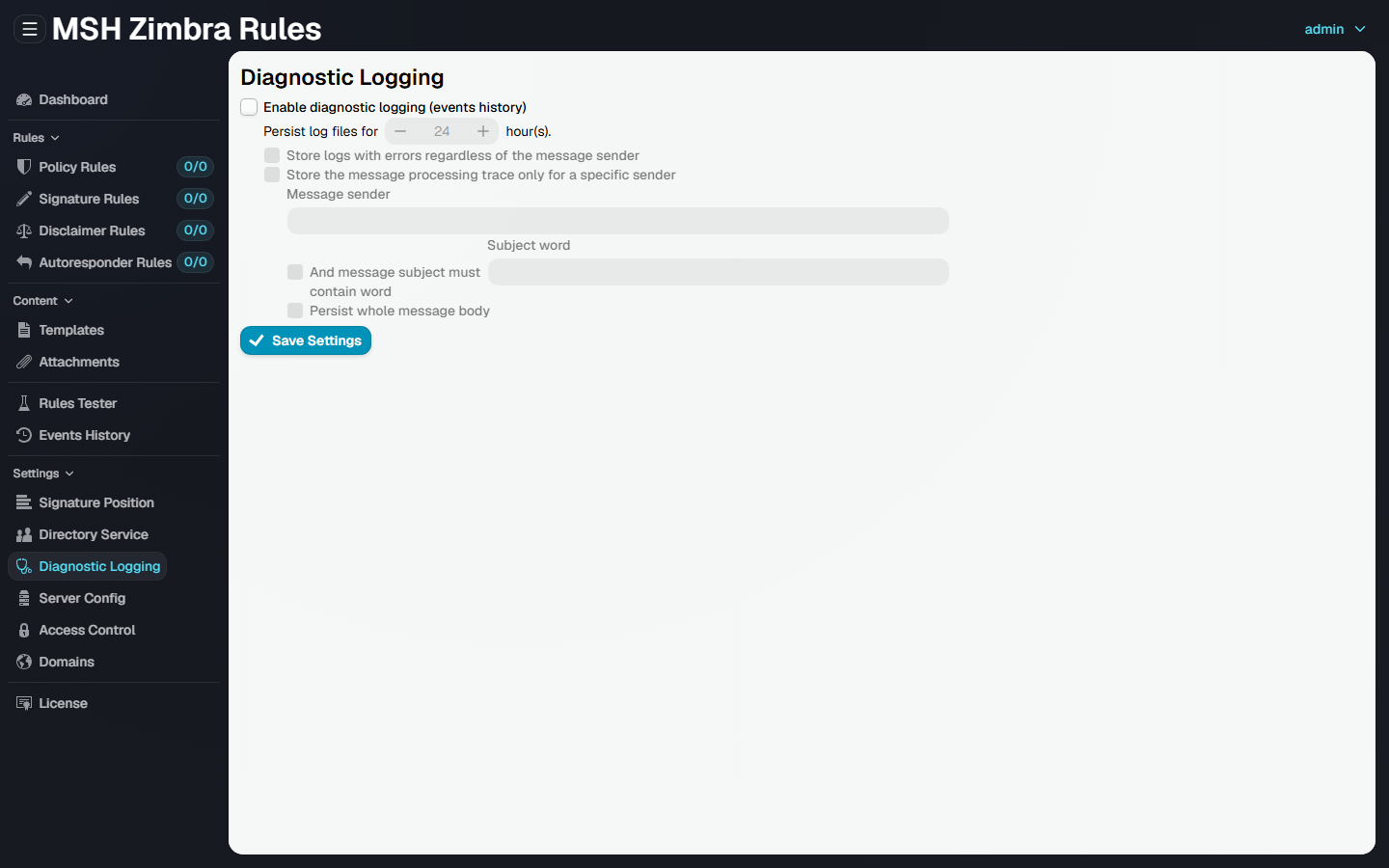
Message History records messages while Diagnostic logging is on, and keeps them for as many hours as you set. For a busy server, the full trace can be limited to one sender, or to messages whose subject contains a given word, while messages that ended with an error are always kept.
The Rules Tester shows what rules would do to a message you write. Message History shows what they did to a real one.
Read more in the Message History documentation and the Find out why a message was changed or blocked article.
To learn more visit MSH Zimbra Rules website.