Turn Plain Text Mail Into Styled HTML
Not all mail is written in a mail client. Ticket systems, scanners, monitoring tools and scripts send plain text, in whatever font the recipient’s client picks, with addresses that may not be clickable. Next to the company’s own mail it looks like it came from somewhere else, and the HTML signature that every other message carries has nowhere to go.
Text to HTML
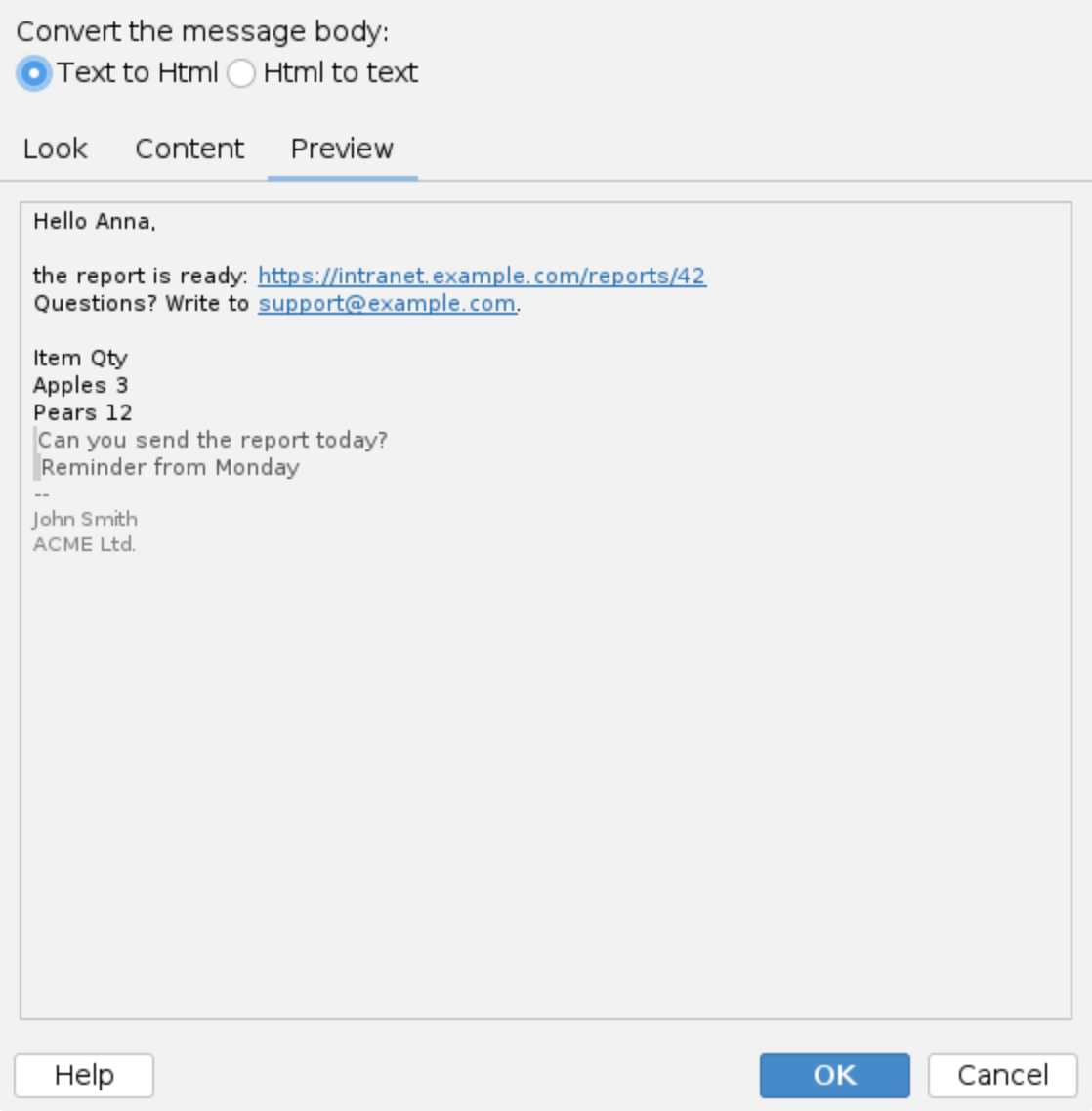
The Change message format action, added in version 1.3, turns a plain text body into a
complete HTML message with your font, size, colours and line height. Web addresses and e-mail
addresses become links, lines starting with > become quotes, and the part after the usual --
signature line can be shown smaller and grey. For reports and logs, spaces and line breaks can be
kept so that columns stay aligned. The original text is sent along as the plain text alternative,
which text-only clients and spam filters prefer.
Rules that run afterwards see the converted message. A signature rule after the conversion adds the HTML version of its template, so mail from the ticket system ends with the same signature as everyone else’s.
And back: HTML to text
The same action works the other way. For recipients or systems that cannot show HTML, or to strip styling and tracking images from mail passing through, it turns HTML into plain text, with links kept as addresses or footnotes, list items as dashes and tables on one line per row. When the sender’s mail client already wrote a text version, that one is used.
What it leaves alone
Signed and encrypted messages, calendar invitations and messages already in the target format are not converted, and the processing trace says why. Attachments stay as they are. As with every action, the conditions of the rule decide which messages are converted, for example only mail from the address your scanner sends from.
Read more in the Change message format documentation.
To learn more visit MSH Postfix Milter website.