Rules for a Directory Group, Not a List of Addresses
A rule for “the HR team” usually starts as a list of addresses typed into a condition. Then someone joins HR, someone else moves to finance, and the rule quietly stops matching the team it was written for. The directory already knows who is in HR. Since version 1.2, MSH Postfix Milter rules can simply ask it.
Match the members, not the addresses
The sender and recipient conditions have an In Group option. Pick a group from your directory, and the condition matches when the sender, or any recipient, is a member of it. Users and groups come from Active Directory, OpenLDAP or CSV files, and a groups CSV file may list its members by user id or by e-mail address.
When membership changes in the directory, the rule follows at the next directory synchronization. Nobody has to open the rule, and nobody has to remember that it exists.
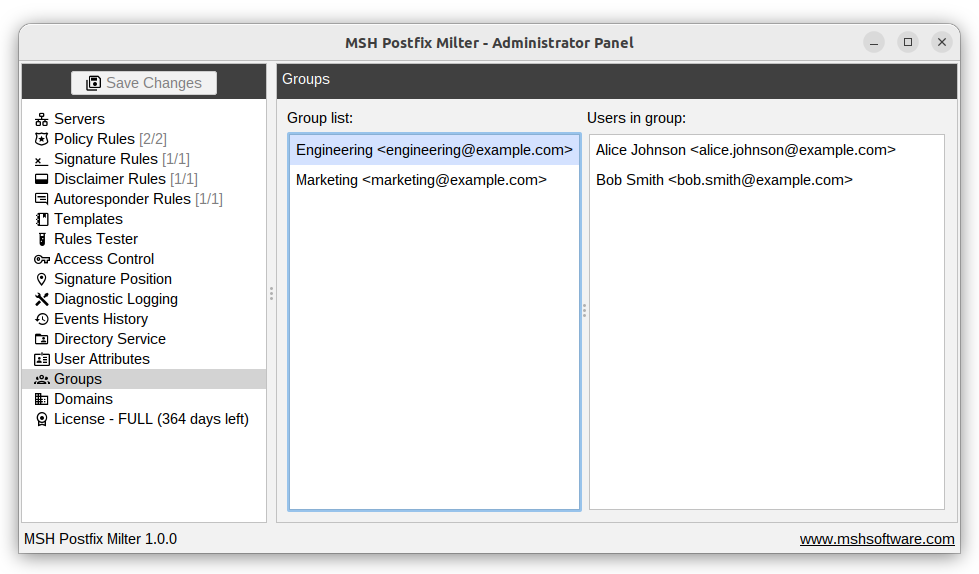
Where it helps
- A disclaimer only on mail sent by the legal team.
- A Bcc copy of everything the sales team receives from outside.
- Sending limits per department: the message counting conditions accept In Group too, and then count the messages of every member of the group.
Groups or domains
In Group sits next to In Domain, which matches every address of a domain. Use the domain when the rule is about an organization or a mail server, and the group when it is about a team. Neither needs a list of addresses kept by hand.
Read more in the Groups and Message sender documentation.
To learn more visit MSH Postfix Milter website.