MSH Zimbra Rules 1.1 Released
A month after the first release, MSH Zimbra Rules 1.1 gives Zimbra administrators a closer look at what messages carry, a way to plug in their own checks, and two tools for the days when the rules themselves need care: a pause switch and a full backup.
A closer look at attachments
The Archive content condition opens ZIP, 7z, RAR and TAR attachments, nested archives included, and matches on the files inside, such as a program hidden in a ZIP. Attachment encrypted catches password protected archives, the usual way to get malware past a virus scanner. Together with the rules for programs and scripts sent as attachments, a program has far fewer places to hide.
Your own checks
The External script condition runs a script from the scripts directory on the Zimbra server and matches on its exit code or output: a virus scan, a lookup in your CRM, a score from another tool. The result can be used in the actions of the same message. Message type now also recognises S/MIME and PGP signed or encrypted mail, and the new Change message format action turns plain text mail into styled HTML, or HTML into plain text.
Pause, back up, restore
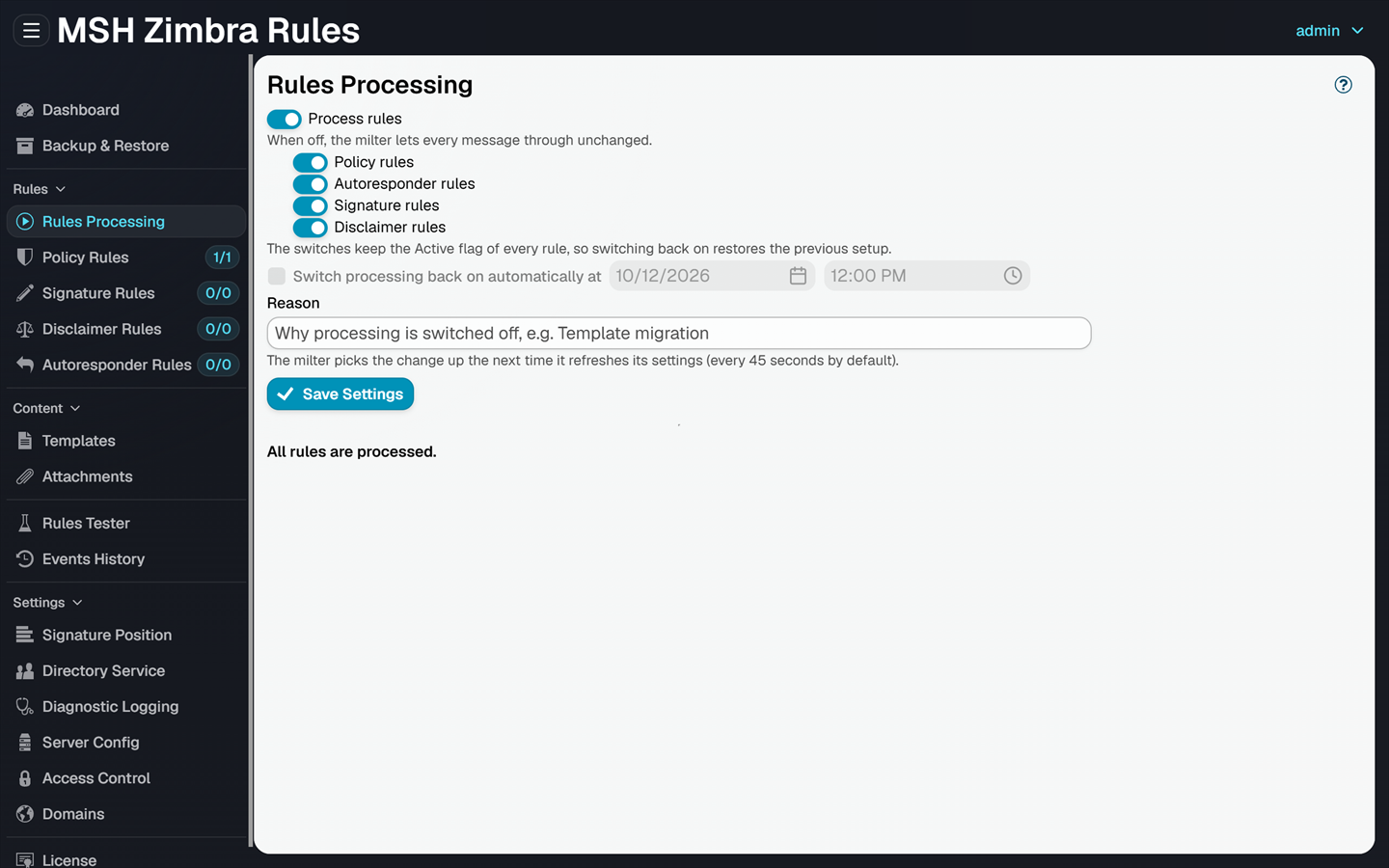
The Rules Processing page switches all rules, or one rule type, off and on without changing the rules, optionally until a set time, with the reason shown to every administrator. Backup & Restore exports the whole installation into one zip and imports it back, into the same Zimbra server or another one, section by section.
Also in this release
- The Rules Tester sends signed and encrypted test messages, carries real attachments up to 10 MB and simulates script results.
- Run executable runs only programs from the scripts directory, without a shell, and stops them after 60 seconds.
- The duplicates protector recognises a quoted disclaimer even when its template holds variables.
The maintenance releases 1.0.1 and 1.0.2 had already made the directory sync import only real mailboxes and brought the reply separator settings to the milter. The full list is in the release history.
Read more in the Archive content and Backup & Restore documentation.
To learn more visit MSH Zimbra Rules website.